Graphic design issues for MaC

Teg

Seasoned Veteran
Joined
Dec 6, 2010
Messages
3,459
Reaction score
262
FP$
4,107
So I just started using my MacBook pro retina display for everything that includes graphic design and gaming. At any rate I'm having an issue where the graphics look perfect in Photoshop but as soon as I upload them, regardless where they are uploaded to, the are enlarged and blurry and poor quality.


The first image is in ps the second is on the web
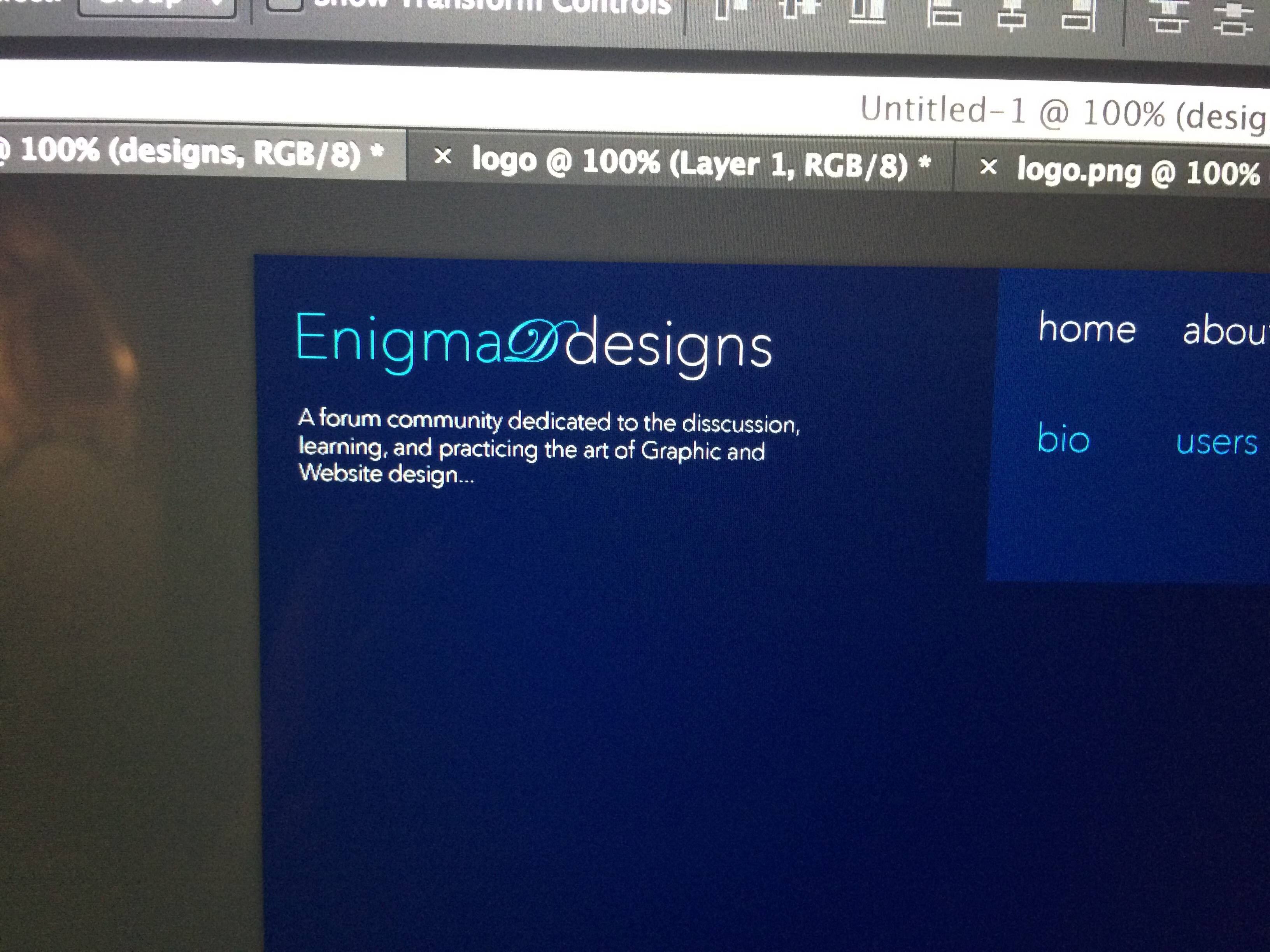
bhgnRKC.jpg


YAc99Eq.jpg
 
are you sure your browser is not zooming at more than 100%, there is no other way an image should automatically enlarge itself.
 
The simple answer to this is Retina. If you want to create graphics on a retina that will work on all screens you need to change the resolution. The whole point of retina is very high detailed graphic display, so there are a lot more pixels per inch than on a normal screen. This means that when the images are displayed on a normal screen it becomes fuzzy as the screen is unable to render all the pixels.
 
ddoesmc said:
Are you using nearest neighbor to enlarge?
Nope, I am not, I double checked on that.
Ashish92 said:
are you sure your browser is not zooming at more than 100%, there is no other way an image should automatically enlarge itself.
I didn't even check that to see. I'm on the road right ow will be out f town with my kids all day, so when I get to my computer, I will double check that.

Tindris said:
The simple answer to this is Retina. If you want to create graphics on a retina that will work on all screens you need to change the resolution. The whole point of retina is very high detailed graphic display, so there are a lot more pixels per inch than on a normal screen. This means that when the images are displayed on a normal screen it becomes fuzzy as the screen is unable to render all the pixels.
That makes sense. However, I tried adjusting my resolution and creating it and had the same problems.
 
It isn't your resolution that will be the issue. You need to work with the dpi
 
Back
Top Bottom