Hello! I am in need of a new iMac since my last one ( which was bought in 2009 ) is extremely slow. Even with two tabs on Safari, it does not function. I tried to Clean Install OS X Yosemite, but same stuff happened. So, I have two options:
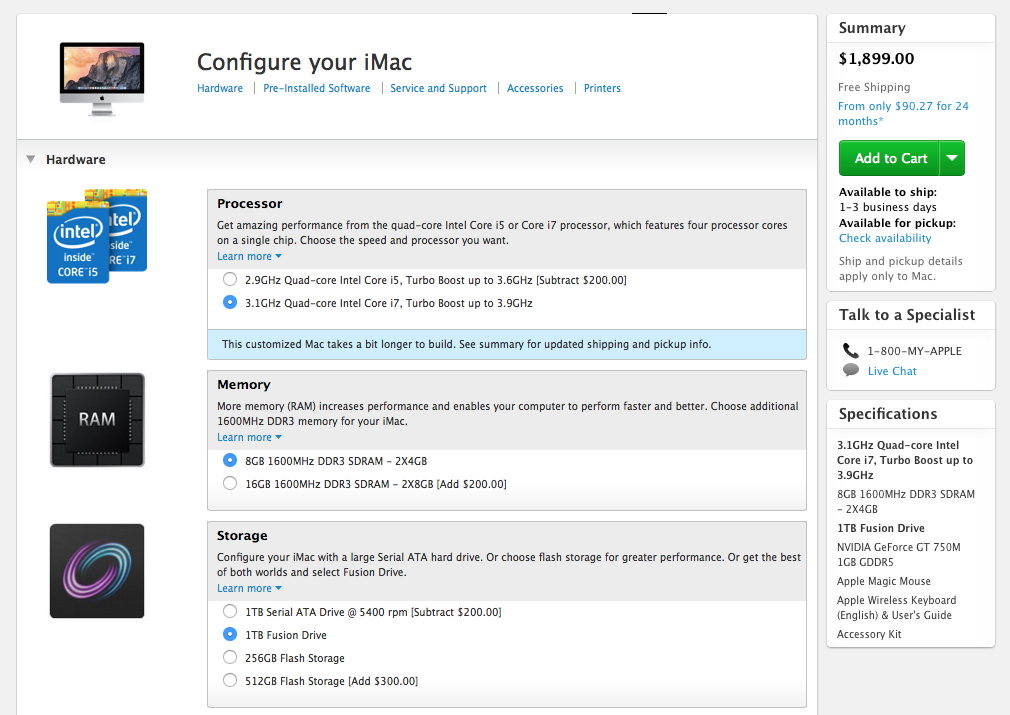
1)
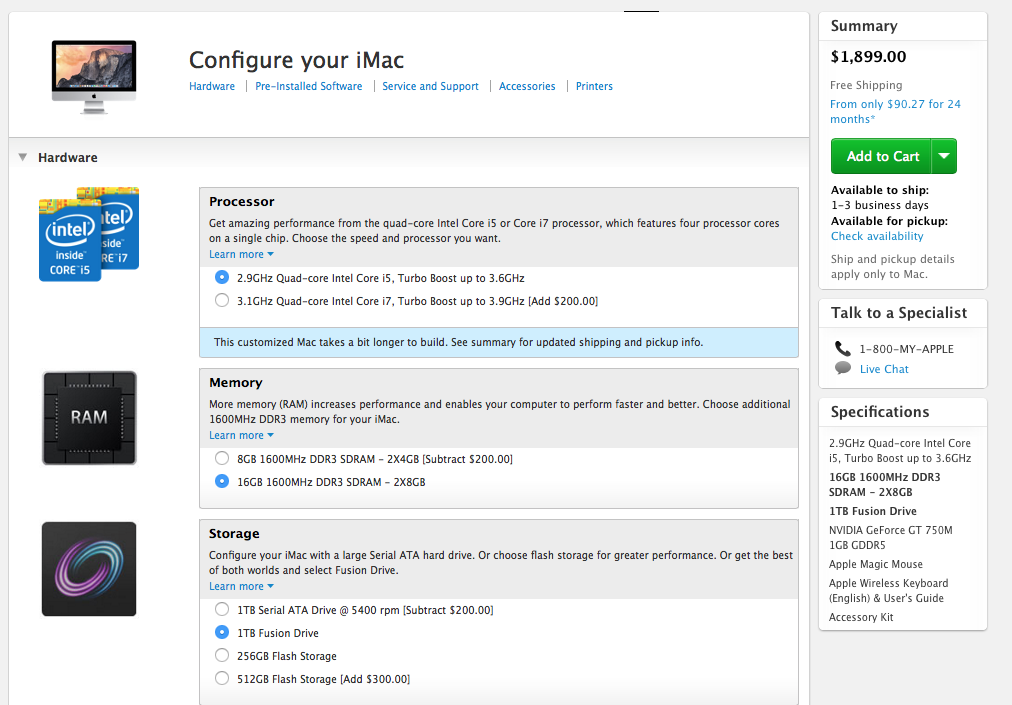
2)
My daily use will be browsing, Numbers, Keynote, a bit graphics with Pixelmator.
They both cost around 2,100 euros in Greece.
I think RAM would be better for your use. You're not doing anything that requires a lot of CPU cycles, but you are using it a lot by browsing the web, which takes up memory.
One question to ask yourself: does the new model iMac let you upgrade the RAM yourself? If so, you may be better off getting CPU now and RAM later.
Your current iMac probably has a hard-drive that's going back. 1 TB drives in particular can go bad quickly, because there are so many bits crammed in a small space. I don't know if you can have it replaced, though.
It seems like that the CPU and ram cost $200 extra and so is your storage so why don't you downgrade your 1TB fusion drive to the 1TB serial ATA drive in order to get more ram and a better processor.